
We use them every day without thinking twice, those tiny arrows pointing up and down on our screens. They show up in apps, on websites, and across devices. But have you ever paused and wondered what they actually mean? Read on to learn more about download vs upload!
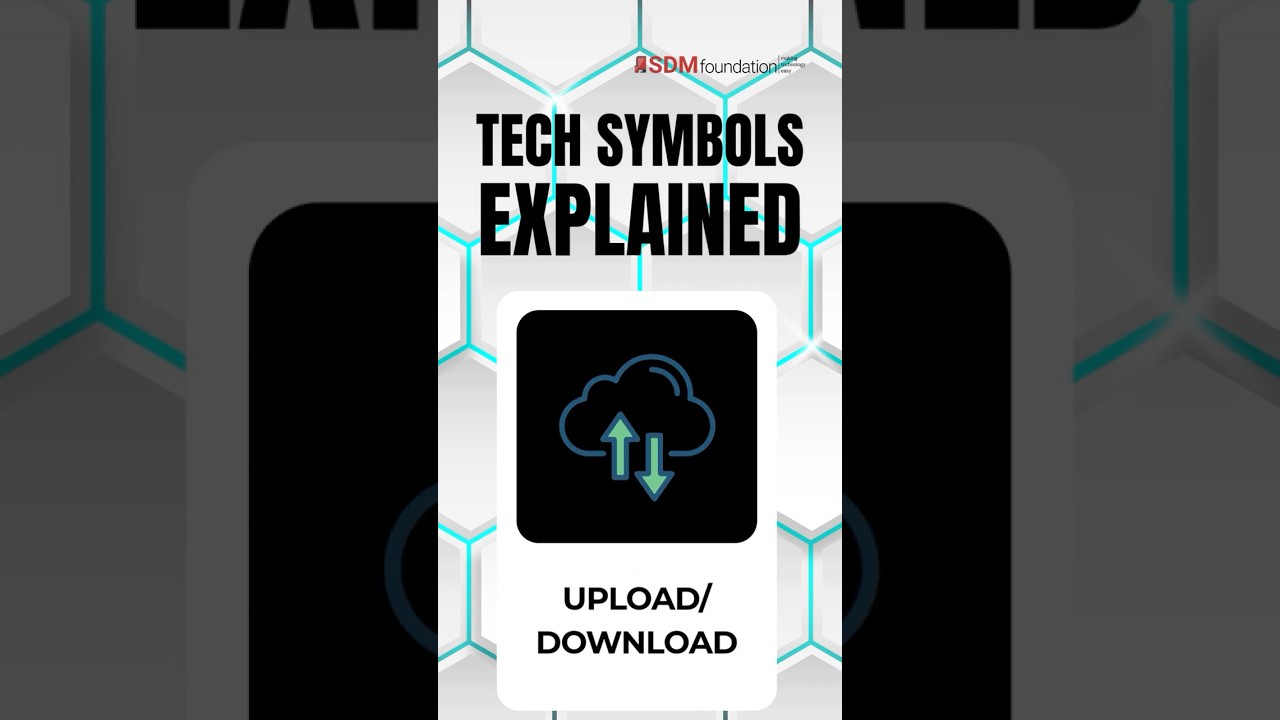
Transcript: Tech Symbols Explained – Upload/Download
Ever wonder what those little arrows mean, one pointing up, one pointing down? The Download symbol, arrow down, means you’re bringing something onto your device. Like saving a photo, a PDF, or a song so you can open it later. The Upload symbol, arrow up, means you’re sending something out from your device. Like adding a photo to social media, or attaching a file to email. Down to save to you. Up to send to somewhere else. Easy.
The Down Arrow: Download

When you see an arrow pointing downward, it usually means download.
When you click the down arrow, you’re bringing something onto your device. Think of it like taking something from the internet and saving it locally so you can access it anytime, even without a connection.
Examples of downloading:
- Saving a photo from a website to your phone
- Downloading a PDF to read later
- Getting a song or podcast for offline listening
In short: the file moves from “out there” to “on your device.”
The Up Arrow: Upload

An arrow pointing upward means upload.
Uploading is the opposite of downloading, it’s when you send something from your device to somewhere else.
Examples of uploading:
- Posting a photo to social media
- Attaching a document to an email
- Adding a video to a cloud storage service
Here, the file moves from your device to the internet, or to another system.
DownLoad vs Upload: A Simple Way to Remember
If you mix them up, here’s an easy mental shortcut:
- Down = coming down to you (Download)
- Up = going up and away (Upload)
Why It Matters
Understanding the difference helps you use your devices more confidently. Whether you’re managing files, troubleshooting an app, or just trying to figure out where your photo went, knowing the direction of the arrow gives you an instant clue.
So, the next time someone asks you to email them a photo, look for the up arrow. The next time you want to save a document on your device to read later, click the down arrow.
If you’d like to learn more about how to download and upload to/from your devices, head over to our blog post: What Are Upload and Download, or give us a call and make an appointment.
Head over to our YouTube Channel for more ‘Tech Symbols Explained’ videos!


