
If you’ve ever noticed a small airplane symbol on your phone and wondered what it does, you’re not alone. That symbol is Airplane Mode, and it’s a simple but important feature that controls your device’s wireless connections.
Once you understand it, you’ll know exactly when to turn it on and when to turn it off!
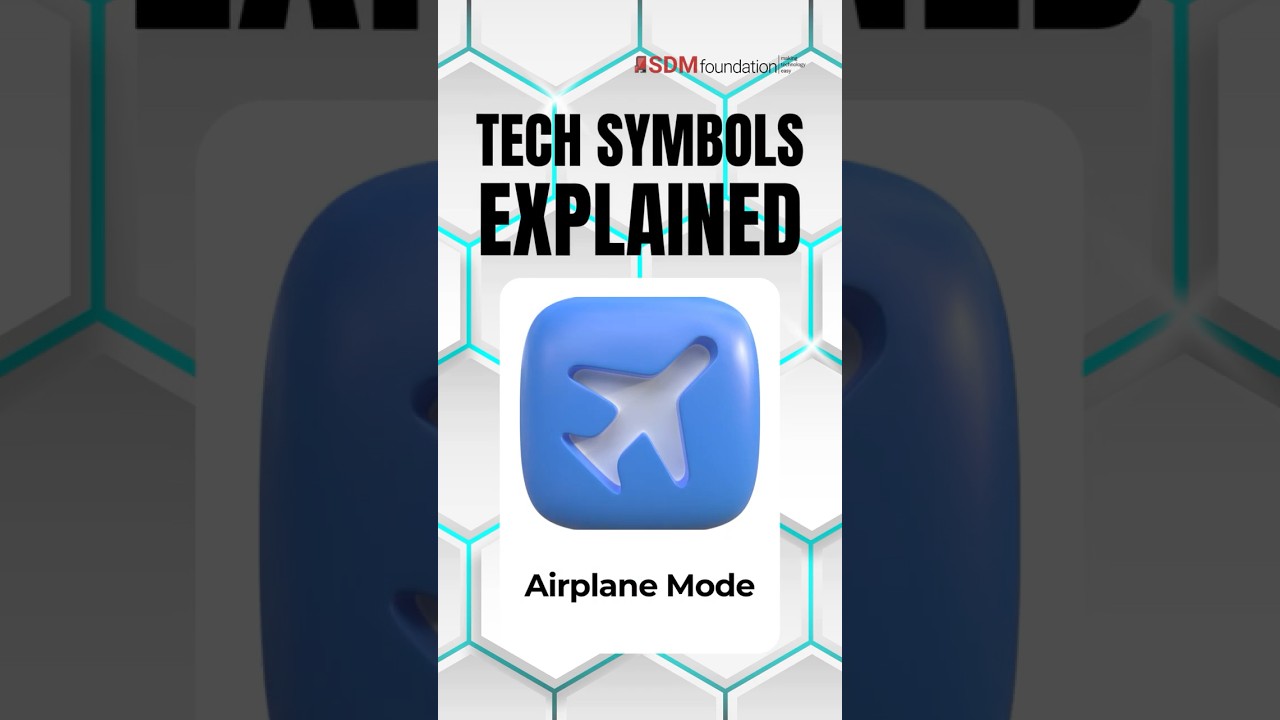
Transcript: Tech Symbols Explained – Airplane Mode
Airplane mode, which is a little airplane icon, turns off your phone’s wireless signals, including cellular, Wi-Fi, and Bluetooth. It’s required on flights, but it’s useful on the ground, too. If you want to save battery, stop constant notifications, or take a break from calls, you can turn on airplane mode, and your phone will go quiet instantly.
What Is Airplane Mode?

Airplane Mode is a setting that turns off your phone’s wireless signals.
When it’s turned on, your device disconnects from:
- Cellular service (calls and texts)
- Wi-Fi
- Bluetooth
You’ll usually see it as:
- A small airplane icon
- Sometimes labeled directly as “Airplane Mode” in settings
No matter how it looks, the meaning is the same:
Your phone is temporarily disconnected from networks.
Where You’ll See It
You can find the Airplane Mode icon in:
- Your phone’s Control Center (iPhone) or Quick Settings (Android)
- The Settings app
- The top of your screen when it’s turned on
It’s designed to be easy to access quickly.
What Happens When You Tap Airplane Mode?
When you enable Airplane Mode:
- Your phone stops connecting to cell towers
- Calls and texts won’t come through
- Internet access is turned off
However, your phone still works for:
- Taking photos
- Playing games
- Using offline apps
- Listening to downloaded music
You can also manually turn Wi-Fi or Bluetooth back on while staying in Airplane Mode.
Why Is It Called Airplane Mode?
Airlines originally introduced this feature to reduce wireless interference during flights.
Wireless signals from phones can interfere with aircraft systems, so airlines require devices to stop transmitting signals.
Turning on Airplane Mode does exactly that, it pauses all wireless communication.
When Would You Use It?
However, this setting is useful in many everyday situations, not just during flights.
You might use it to:
- Save battery life
- Avoid interruptions (calls, texts, notifications)
- Fix connection issues (by turning it on and off)
- Let a child use a phone without internet access
The Simple Way to Remember It
If you see the airplane icon, just think:
“This disconnects my phone from wireless networks.”
No calls. No texts. No internet.
Just your device, temporarily offline!
Related Tip
If your phone suddenly has trouble connecting to Wi-Fi or cellular service, a quick trick is:
- Turn Airplane Mode on
- Wait a few seconds
- Turn it back off
This forces your phone to reconnect to nearby networks, and can sometimes fix simple connection problems.
Want to Learn More?
Airplane Mode directly affects how your phone connects to the internet.
For a deeper understanding, check out our post:
What is Cellular Data Anyway? Tech Terms Explained
Head over to our YouTube Channel for more ‘Tech Symbols Explained’ videos!


